Add a document library to Wix
No WordPress needed. Build your library once, then add it to a Wix page with the Embed Code element to display a searchable, filterable document library.
Why add a document library to your site?
Give visitors the documents they came for
Whatever your Wix site is for, visitors often need more than a web page. Put the documents they came for one click away - searchable, on-brand, and easy to download.
Projects & portfolios
Showcase your work, services, and prices in downloadable detail.
Guides & manuals
How-to guides and instructions your visitors can take away.
Reports & policies
Annual reports, policies, and official documents in one place.
Forms & price lists
Registration forms, price lists, and resources to download.
How it works
A document library on Wix, in three steps
Build your library in the hosted dashboard, then add it to a Wix page with the Embed Code element.
Build your library
Create your library in the hosted dashboard. Upload your documents and sort them into categories.
Copy your embed code
Copy the one embed code shown next to your library in the hosted dashboard - the same code every platform uses.
Add it to your site
Add an Embed Code element to a Wix page, paste your embed code, and drag the box to the size you want. Our step-by-step guide walks you through it.
How you add it
Embedding the library in Wix
On a Wix page, add an Embed Code element, paste your embed code, then drag the box to fill the space you want the library to take up.
See it on Wix
What it looks like on your site
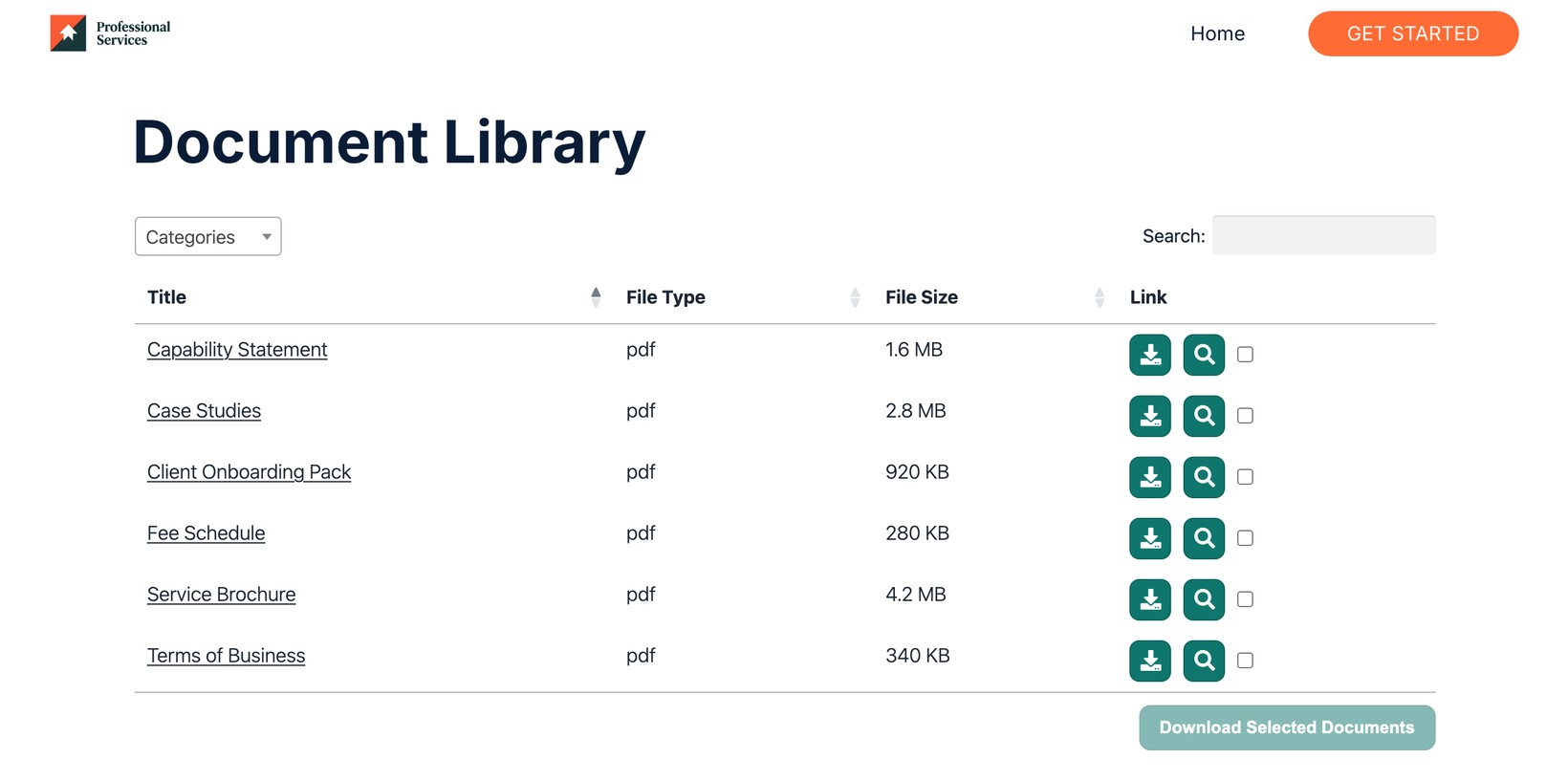
Help your visitors find every document
Share brochures, guides, and reports in one searchable library that your visitors can browse and download.
View PricingSee it in action
The admin demo shows the WordPress plugin. The hosted version works the same way behind the scenes - just with its own dashboard.