Add a document library to Shopify
Give shoppers the documents they need to buy with confidence. Add product spec sheets, manuals, size guides, and certificates to your Shopify store in a searchable, filterable library, using a simple embed code.
Why add a document library to your store?
Documents that help people buy
Shoppers often want more than a product photo before they buy. Put the documents that answer their questions one click away - searchable, on-brand, and easy to download.
Spec sheets
Sizes, materials, and full technical details for every product.
Manuals & guides
Setup and how-to guides that cut down on pre-sales questions.
Size guides
Help shoppers choose the right fit and care for their item.
Certificates
Warranty, safety, and compliance documents kept in one place.
How it works
A document library on Shopify, in three steps
Build your library in the hosted dashboard, then paste the embed code into a Shopify page or product description.
Build your library
Create your library in the hosted dashboard. Upload your documents and sort them into categories.
Copy your embed code
Copy the embed code shown next to your library in the dashboard.
Add it to your store
In a page or a product description, switch the content box to its HTML view and paste the embed code. Our step-by-step guide walks you through it.
How you add it
Pasting the embed code in Shopify
On a Shopify page or in a product description, switch the content box to its HTML view and paste your embed code.
See it on Shopify
What it looks like on your store
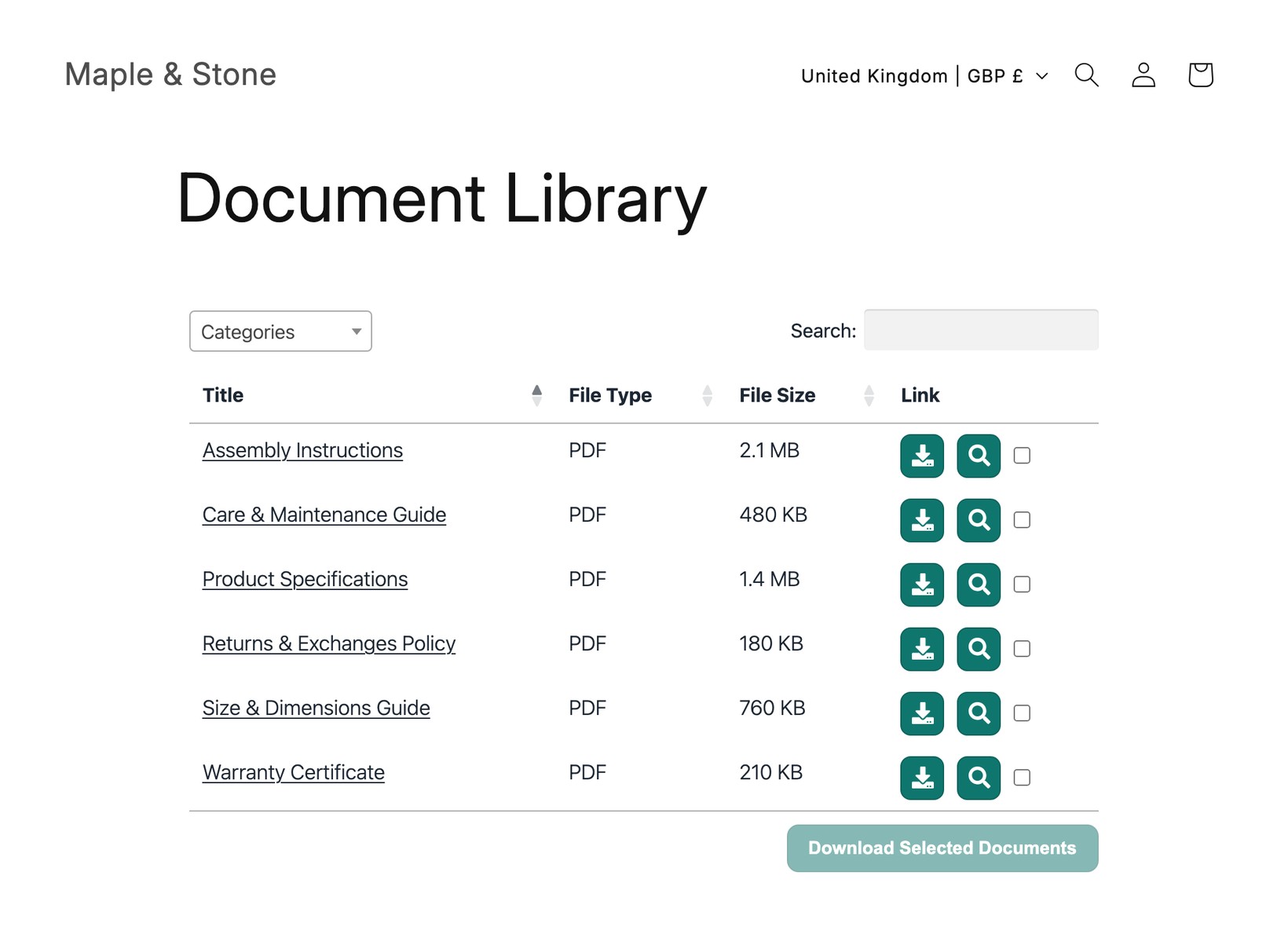
Help your shoppers find every document
Share product specs, manuals, and guides in one searchable library that your customers can browse and download.
View PricingSee it in action
The admin demo shows the WordPress plugin. The hosted version works the same way behind the scenes - just with its own dashboard.